⌘K
Command palette
Jump to any snippet or fire any action in a keystroke.
Code-snippet manager · macOS · Windows · Linux
Organize, search, and reuse your snippets with multi-fragment notes, nestable folders, smart groups, and on-device AI search — all in one fast, beautiful, local-first app.
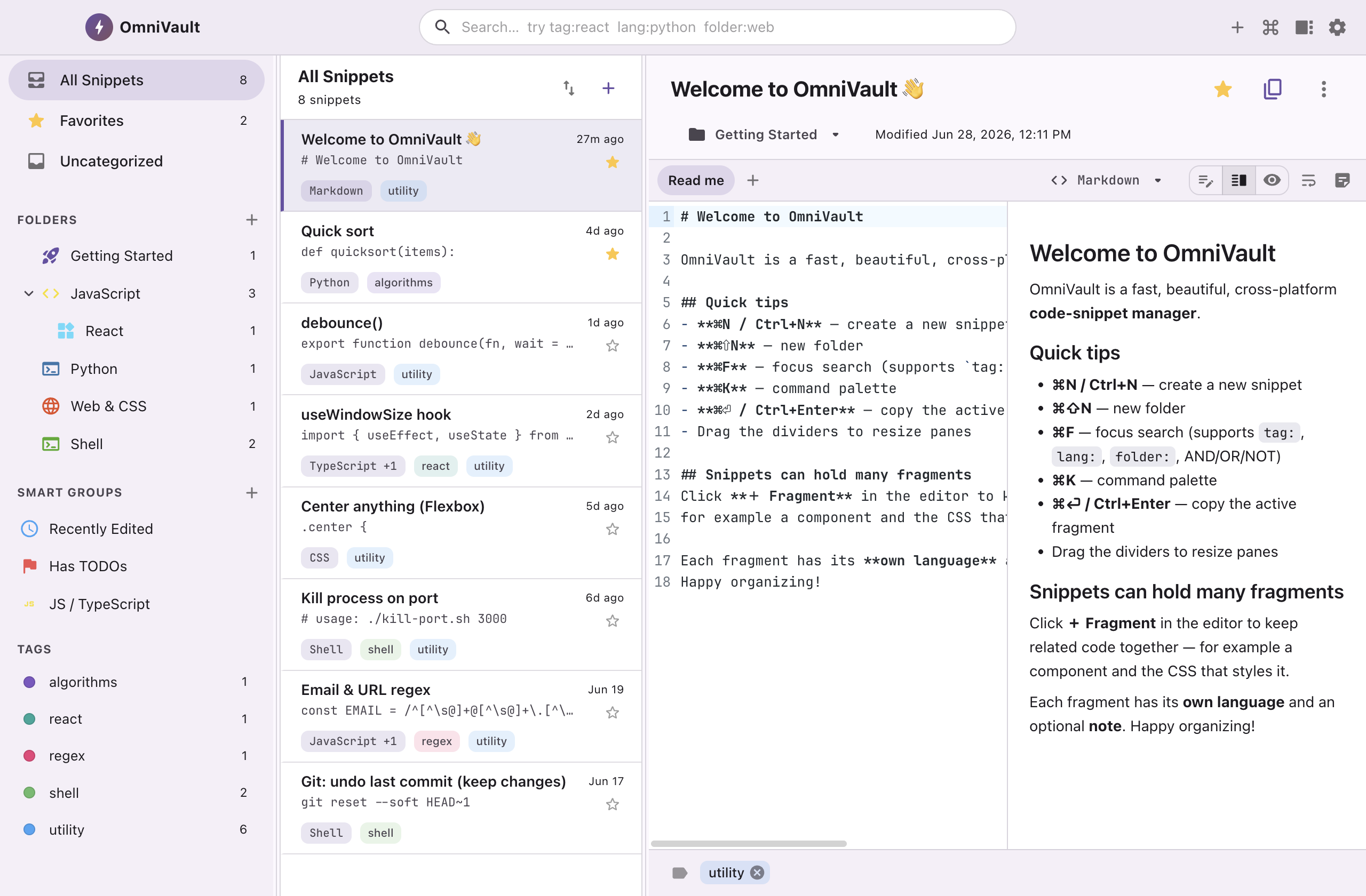
Multi-fragment snippets
One snippet can hold many fragments — a React component and the CSS that styles it, a query and its result, a function and its test. Each fragment carries its own language, an optional title, and a note.
export function Avatar({ src, size = 40 }) {
  return (
    <img
      className="avatar"
      src={src}
      width={size}
      height={size}
    />
  )
}Neural semantic search
Type what you're trying to do — and OmniVault ranks results by intent using two AI models that run entirely on your device. No cloud, no API keys, fully offline. Stack it with filters for pinpoint precision.
Runs 100% on-device · jina-embeddings + cross-encoder reranker
lsof -ti:3000 | xargs kill -9
sudo lsof -i -P -n | grep LISTEN
systemctl restart nginx
Organize your way
Nest folders with colors and a default language. Build Smart Groups — live, saved rule sets that gather snippets automatically by tag, language, date, favorites, and more. Tag freely with a flexible many-to-many model.
Powerful search syntax
Scoped filters, booleans, negation, exact phrases, and wildcards — combine them however you like.
tag:react lang:typescript OR -deprecated "use effect" hook*
Optional cloud sync
Back up and sync through a private, app-only folder in your Google Drive — invisible in the normal Drive UI. Off by default. Refresh tokens are encrypted with your OS keychain, and divergent edits are reconciled with a 3-way merge, so nothing is ever lost.
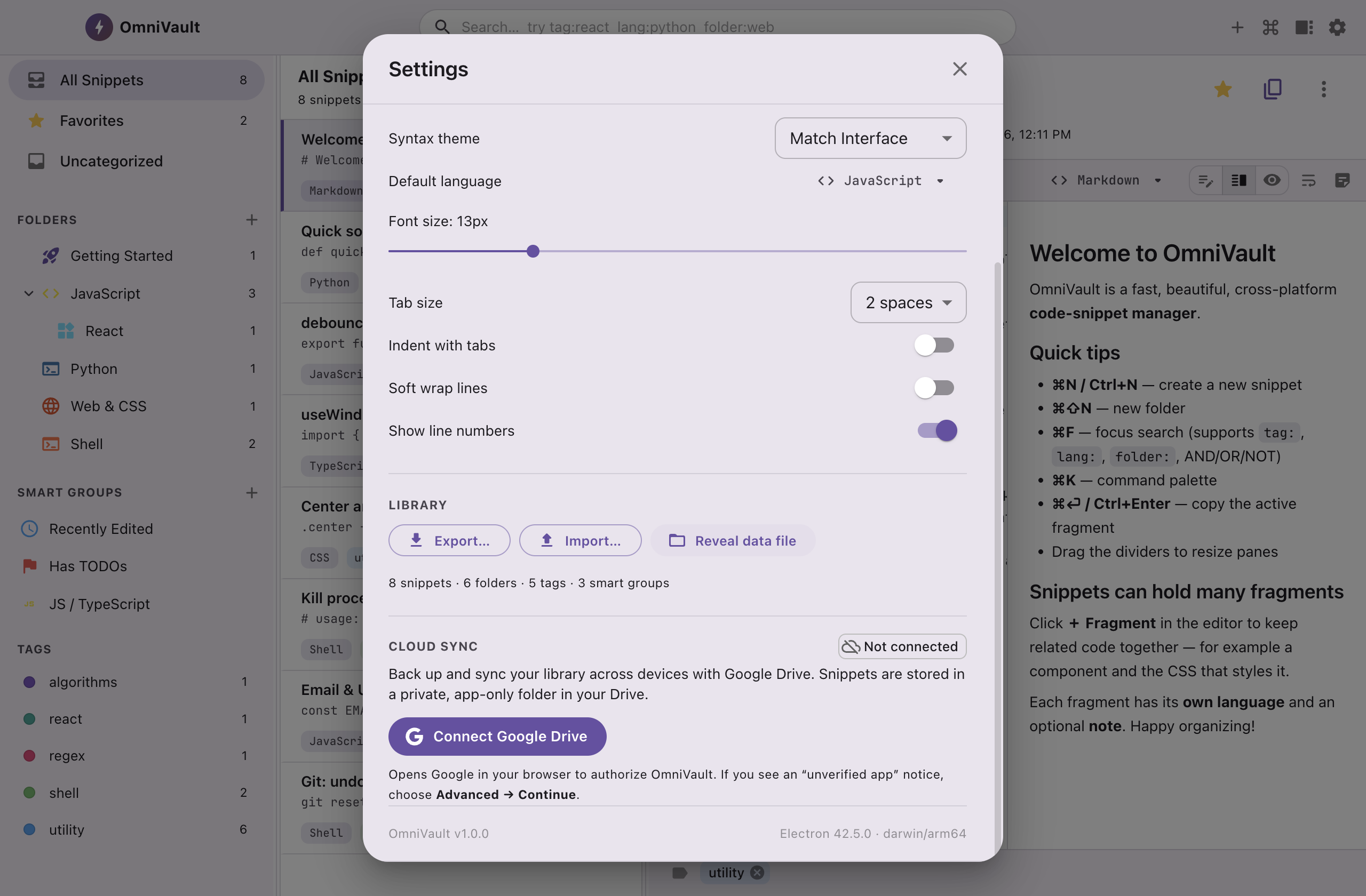
And so much more
Jump to any snippet or fire any action in a keystroke.
Edit, split, or preview — full GitHub-flavored Markdown.
GitHub, Dracula, Nord, Tokyo Night, Solarized, Gruvbox…
A full native menu and shortcuts for everything.
A single human-readable JSON library. Import/export, no lock-in.
System / light / dark, with accent colors that are yours.
Atomic writes with rotating backups. Your work is protected.
Keep your go-to snippets one click away, always on top.
Keyboard-first
Free for personal use. Local-first — your library never leaves your machine unless you turn on sync.
Beta · Apple Silicon. The macOS build is unsigned for now — right-click → Open the first time, or run xattr -dr com.apple.quarantine /Applications/OmniVault.app. Windows & Linux builds are on the way.